


Most AI coaching experiences happen through text — and for many conversations, that’s exactly what works best. Text is fast, easy to scan, and great when a client needs quick help or isn’t in a private environment. But some people prefer the spoken word and to talk and hear rather than writing and reading.
MaxGood.work Avatars can now support audible voice responses alongside their text responses. When your Avatar supports a client, it no longer just writes — it speaks.
How It Works in Practice
When a client sends a voice message to their Avatar, the response now comes as two parts:
1. A text message in chat (for quick scanning and reference)
2. An audio response that plays directly in the conversation
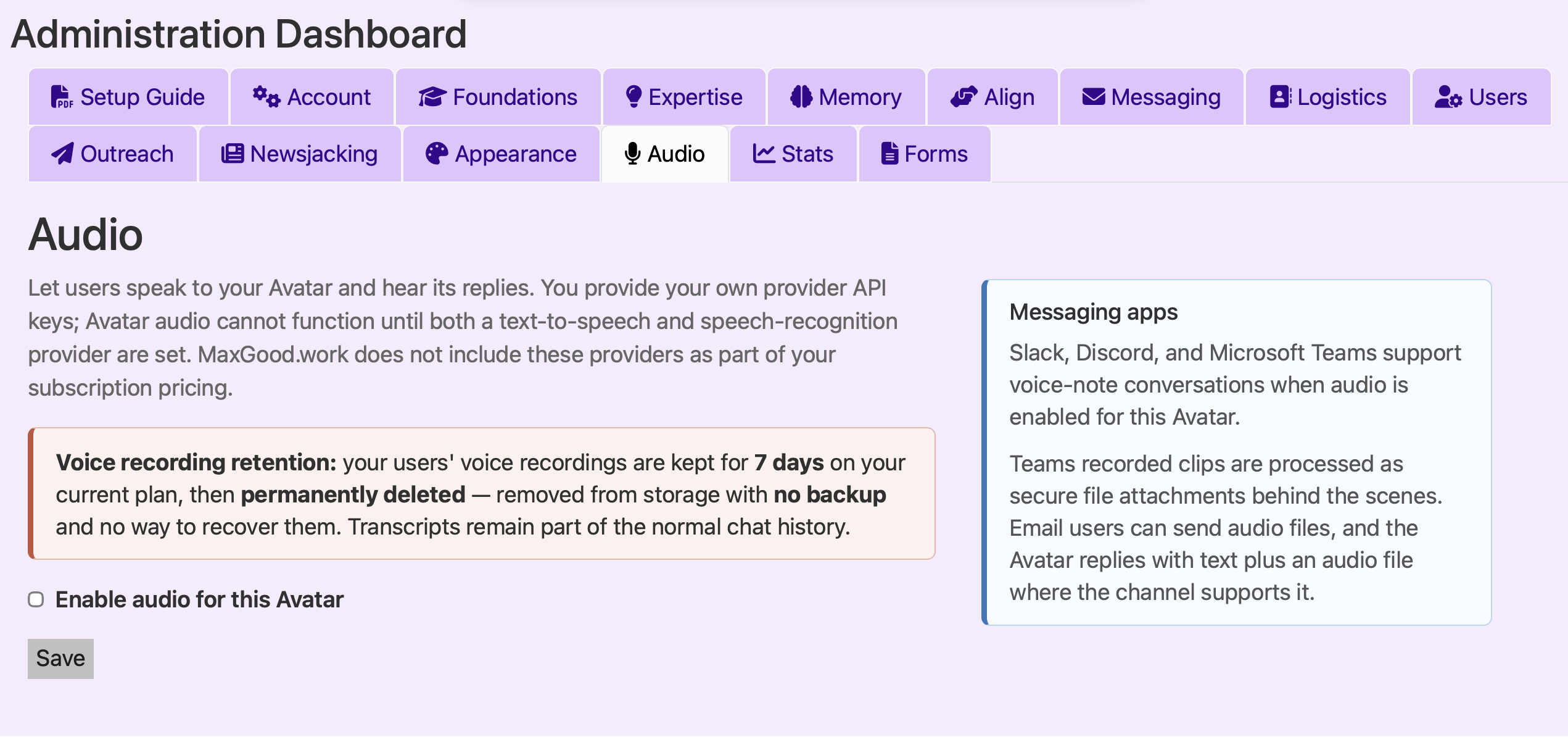
For coaches and leaders who own Avatars, this means you now have an additional channel to offer your clients. Text remains the default — fast, scannable, and effective for most conversations. Voice is an optional layer you can enable when your clients prefer something more audible. Setting up voice requires connecting an API — once configured, your clients receive both text and audio responses automatically.
The Bigger Picture
We’ve spent years building Avatars that are grounded in Foundation Content, hyper-contextualized to each user, and designed for proactive outreach. Audible responses are a small but important piece of that puzzle.
The best coaching combines human expertise with the right technology. Voice is another step toward making every Avatar conversation more valuable and effective.
If you’re already using a MaxGood.work Avatar, enable voice and experience how audio responses can add another dimension to your coaching conversations.
New to MaxGood.work? Try a Free Sample Avatar or sign in at the login page and you automatically get your own free Tester Avatar, to see how AI-powered coaching can support your clients between sessions.
Learn more at MaxGood.work.
This post was written with assistance from a MaxGood.work Avatar. The ideas, structure, and editorial decisions are human-led.
